SwingApp External
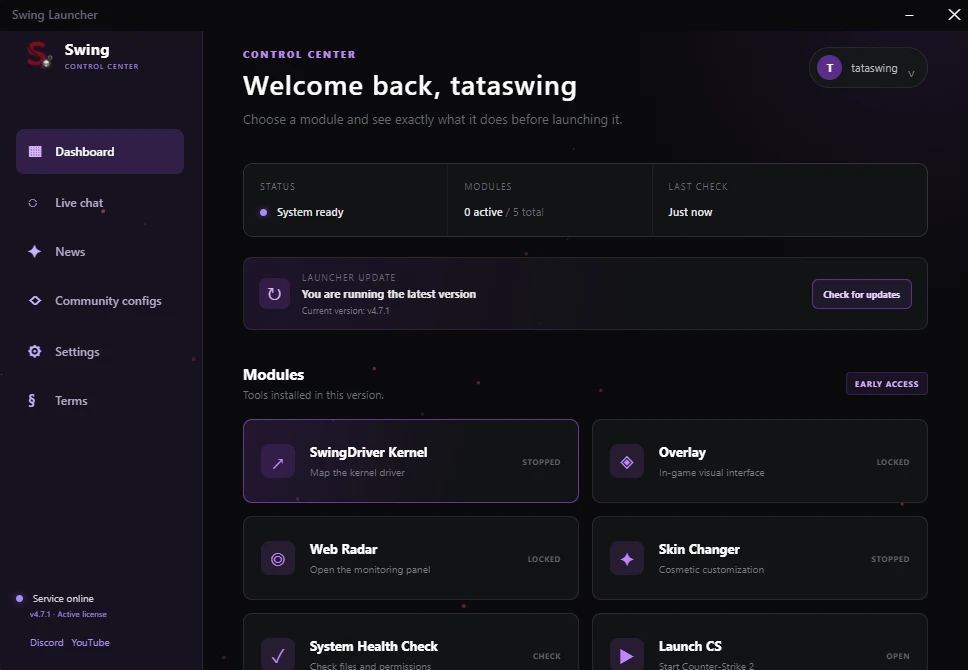
SwingApp External — CS2
SwingApp combines combat settings, player visuals, movement tools and a customizable HUD in one in-game menu. Settings can be adjusted separately for weapons and saved to your profile.
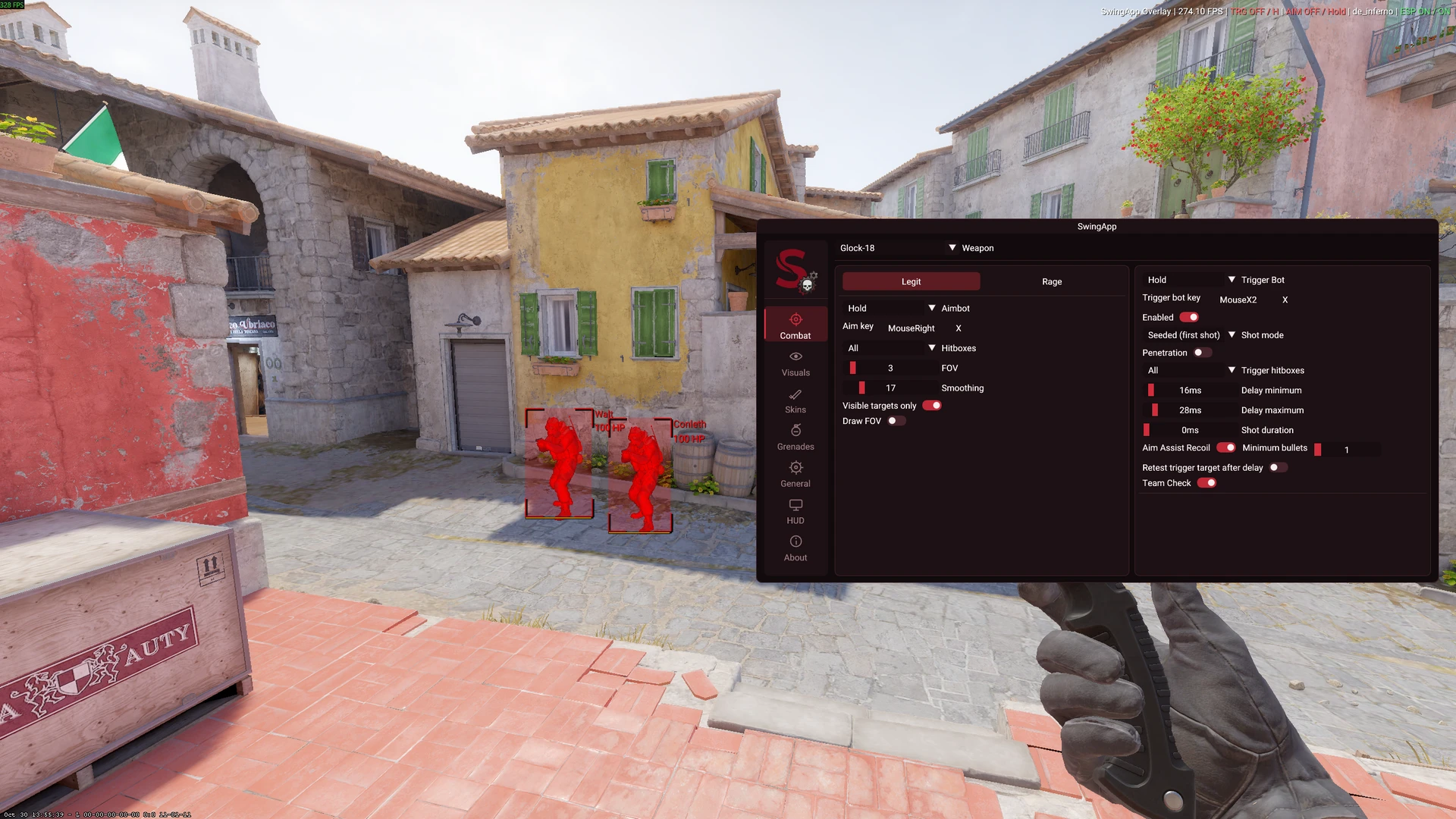
Aimbot
✓ Separate Legit and Rage profiles
✓ Individual aim settings for each weapon
✓ Activation modes: Off, Hold, Hold Inverted, Toggle and On
✓ Custom activation key for key-based modes
✓ Multi-select hitboxes: Head, Neck, Chest, Stomach and Pelvis
✓ Select multiple hitboxes or use Select all
✓ Adjustable FOV: 1–30 for Legit and 1–180 for Rage
✓ Adjustable smoothing from 0–100
✓ Visible targets only option
✓ Optional FOV circle on screen
✓ Rage snap speed adjustment
✓ Rage target lock adjustment
✓ Rage start-bullet setting
Trigger Bot
✓ Individual Trigger Bot settings for each weapon
✓ Activation modes: Off, Hold, Hold Inverted, Toggle and On
✓ Custom activation key for key-based modes
✓ Separate enable switch for the selected weapon
✓ Standard and Seeded (first shot) modes
✓ Multi-select trigger hitboxes or Select all
✓ Adjustable minimum and maximum shot delay
✓ Adjustable shot duration
✓ Optional target recheck after the delay
✓ Team check
✓ Aim Assist Recoil with an adjustable minimum bullet count
✓ Optional penetration setting
✓ Adjustable minimum estimated wall damage for penetration
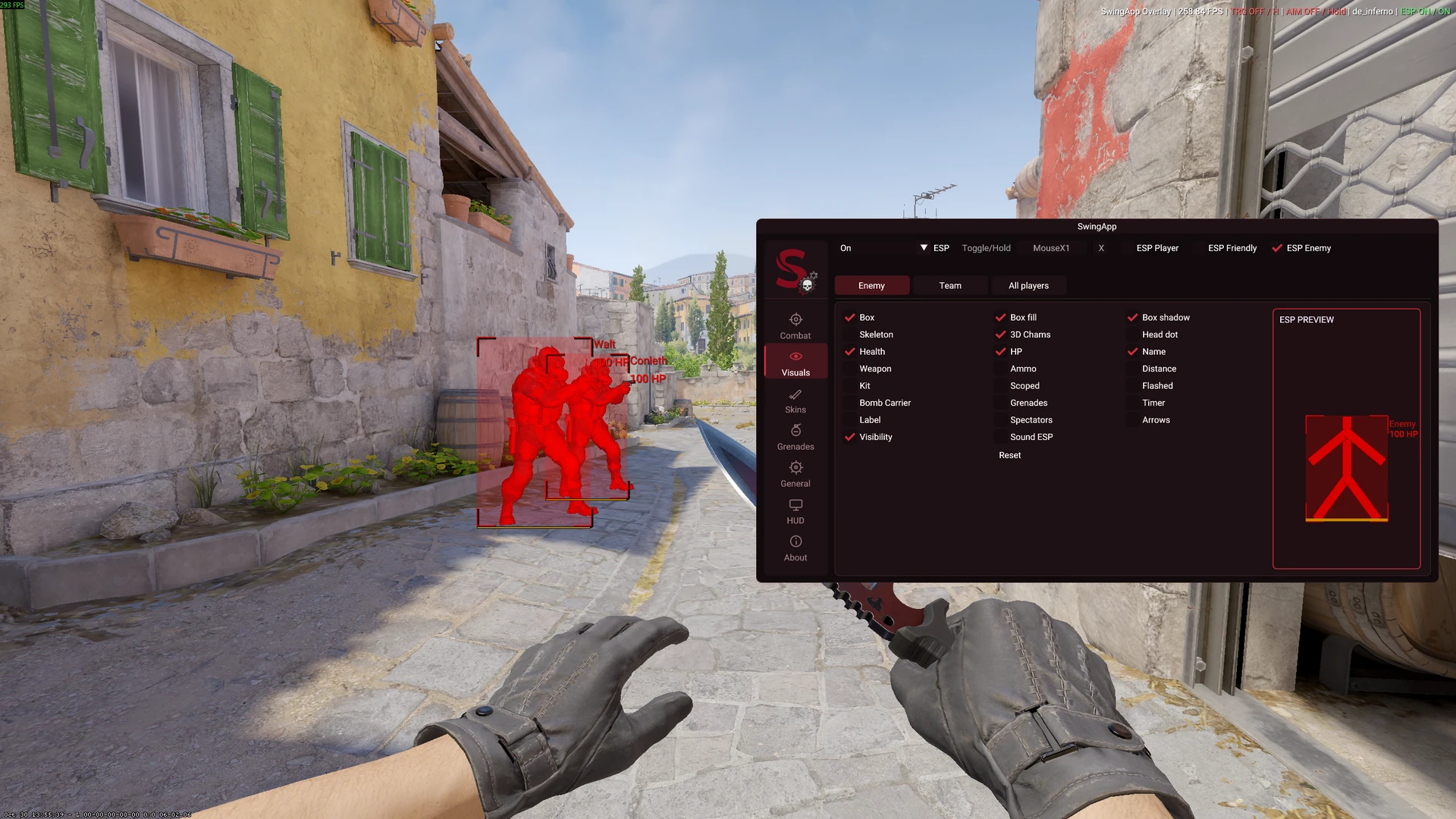
Player ESP
✓ Separate visual settings for enemies, teammates and all players
✓ ESP activation modes: Off, Hold, Hold Inverted, Toggle and On
✓ Custom ESP activation key
✓ 2D and 3D box options
✓ Corner-only box option
✓ Adjustable box width and color
✓ Box fill with a separate color setting
✓ Box shadow
✓ Skeleton with adjustable width and color
✓ Head dot with filled or outlined styles
✓ Adjustable head-dot size, thickness, height and color
✓ Health bar with position, width and color settings
✓ Optional HP text
✓ Player name
✓ Current weapon
✓ Ammunition
✓ Distance, with an optional nearby-player limit
✓ Defuse kit, scoped, flashed and bomb-carrier indicators
✓ Grenade information
✓ Bomb timer and bomb label
✓ Spectator information
✓ Off-screen player arrows with adjustable size, position and color
✓ Visibility-based color change for visible enemies
✓ Individual color and position controls for many ESP elements
Sound ESP
✓ On-screen markers at detected sound positions
✓ Different markers for movement and gunfire
✓ Adjustable detection range
Radar and utility
✓ In-game radar
✓ Adjustable radar opacity, size and map zoom
✓ Auto Accept
✓ Anti AFK with adjustable interval and movement
✓ Optional keyboard input for Anti AFK
✓ Option to hide the overlay from screen capture
Movement
✓ Bunnyhop enable/disable switch
✓ Space as the Bunnyhop activation key
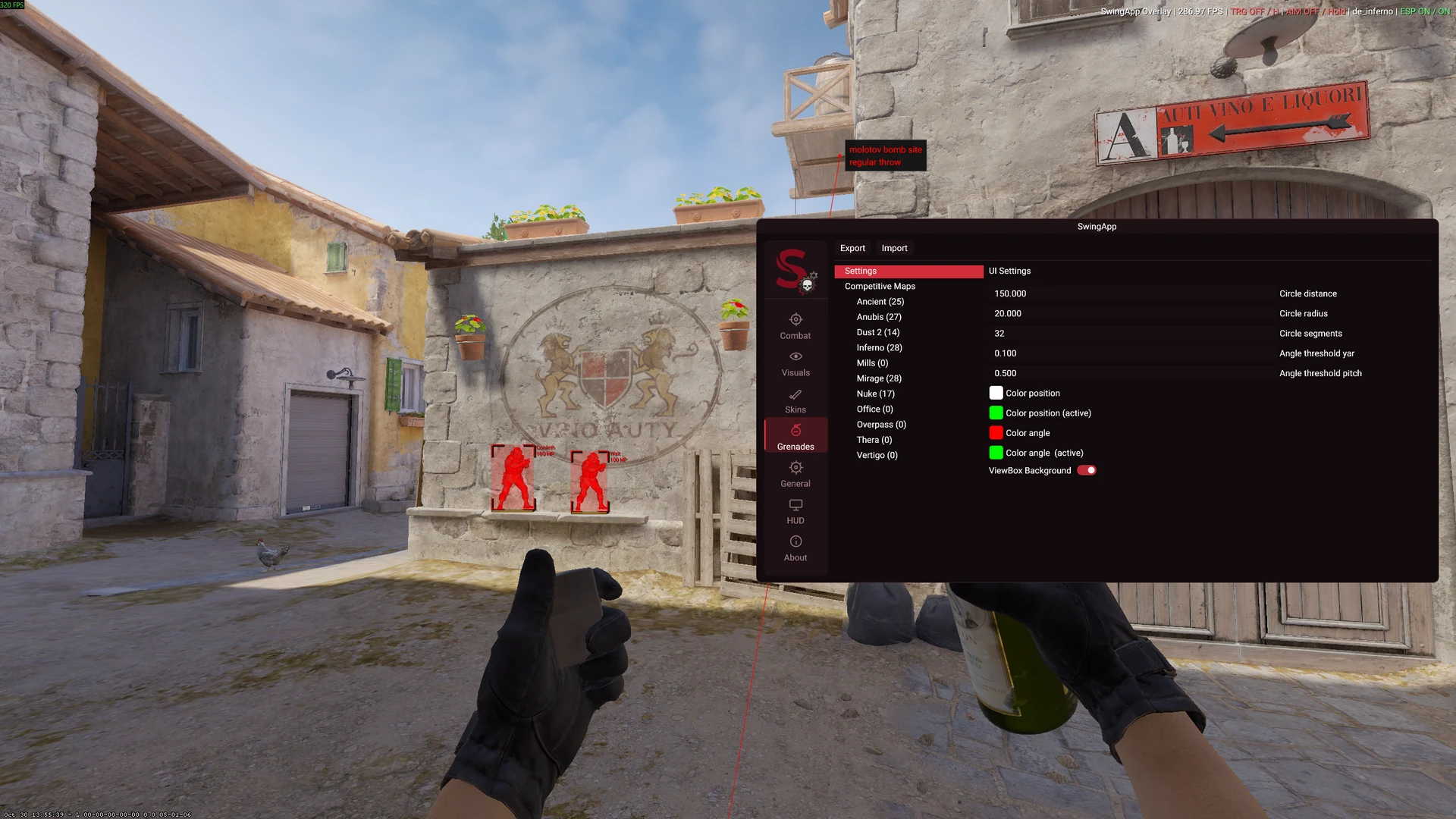
Grenade Helper
✓ Save grenade spots by map
✓ Create, edit and delete saved spots
✓ Store a spot name, description, position and view angle
✓ Assign Smoke, Flashbang, HE Grenade or Molotov types
✓ Sort saved spots alphabetically
✓ Import and export grenade setups
✓ Adjustable position and angle guide colors
HUD and crosshair
✓ Status display for FPS, map, Trigger Bot, Aimbot and ESP
✓ Optional SwingApp watermark
✓ Custom crosshair and sniper crosshair
✓ Adjustable crosshair color, opacity, gap, length and thickness
✓ Lines, outline, center dot and T-style options
✓ Adjustable center-dot size
✓ Classic and Minimal crosshair presets
Vanilla knife models
✓ Select from supported vanilla knife models, including Butterfly, Karambit, M9 Bayonet, Talon, Stiletto and Kukri
✓ Apply the selected model to the held knife
✓ Safe Mode switch for knife changes
Launcher and profiles
✓ Account and license verification
✓ Hardware-bound access
✓ Launcher-managed modules
✓ Saved settings and cloud configuration support